Back That App Up! app icon OMEGA UITOOLS FOR REAL LIFE
Back That App Up! microphone iconBACK THAT
APP UP!

BACK THAT APP UP! / FREE FOR NOW

The moment
happened.
You can still
catch it.

The idea. The laugh. The words you almost missed. Save the sound from before you hit Save.

Free for now. Optional Omega UI membership: $49/month.
Android / iPhone / Windows / Mac web access*

One membership. More Omega tools. ↓
BACK THAT APP UP!INTERACTIVE DEMO
≪

Keep the lead-up.
Save the moment.

RECENT AUDIONOW
A moment worth keeping?PRE-ROLL
BEFORE → MOMENT → AFTERExplore the rewind ↓

THE APP, UP CLOSE

See what you’re
getting into.

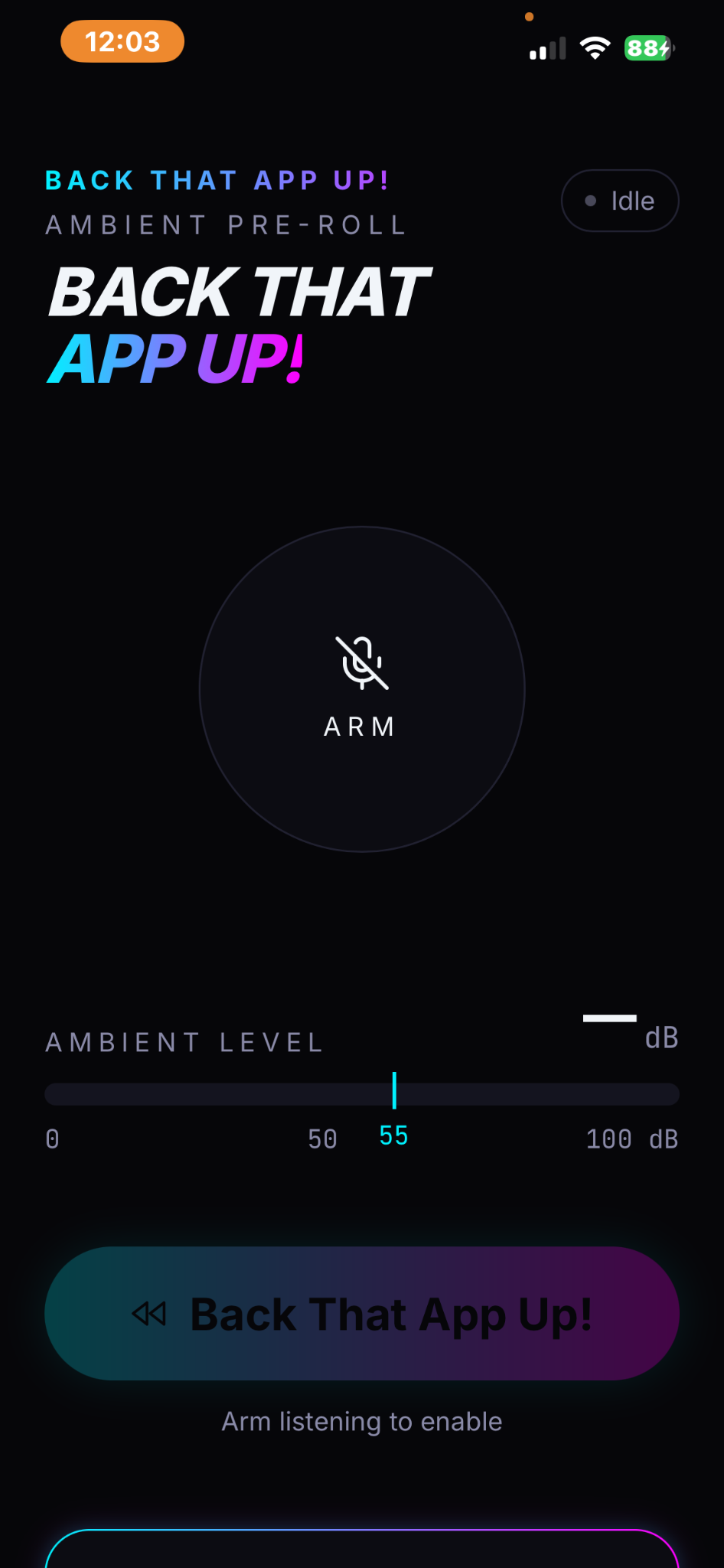
The actual screens: start a session, explore trigger controls, and see the available plan options.

Actual Back That App Up home screen with Arm button and ambient level meter

Arm. Listen. Save.

The Home screen puts the listening control, ambient level, and capture button together. Start listening before the moment you want to keep.

View full screenshot ↗

Screens supplied by Omega UI. Feature availability varies by platform and plan. The supplied plan screen shows a local Pro preview, with billing not yet connected.

Get the app for your device ↓
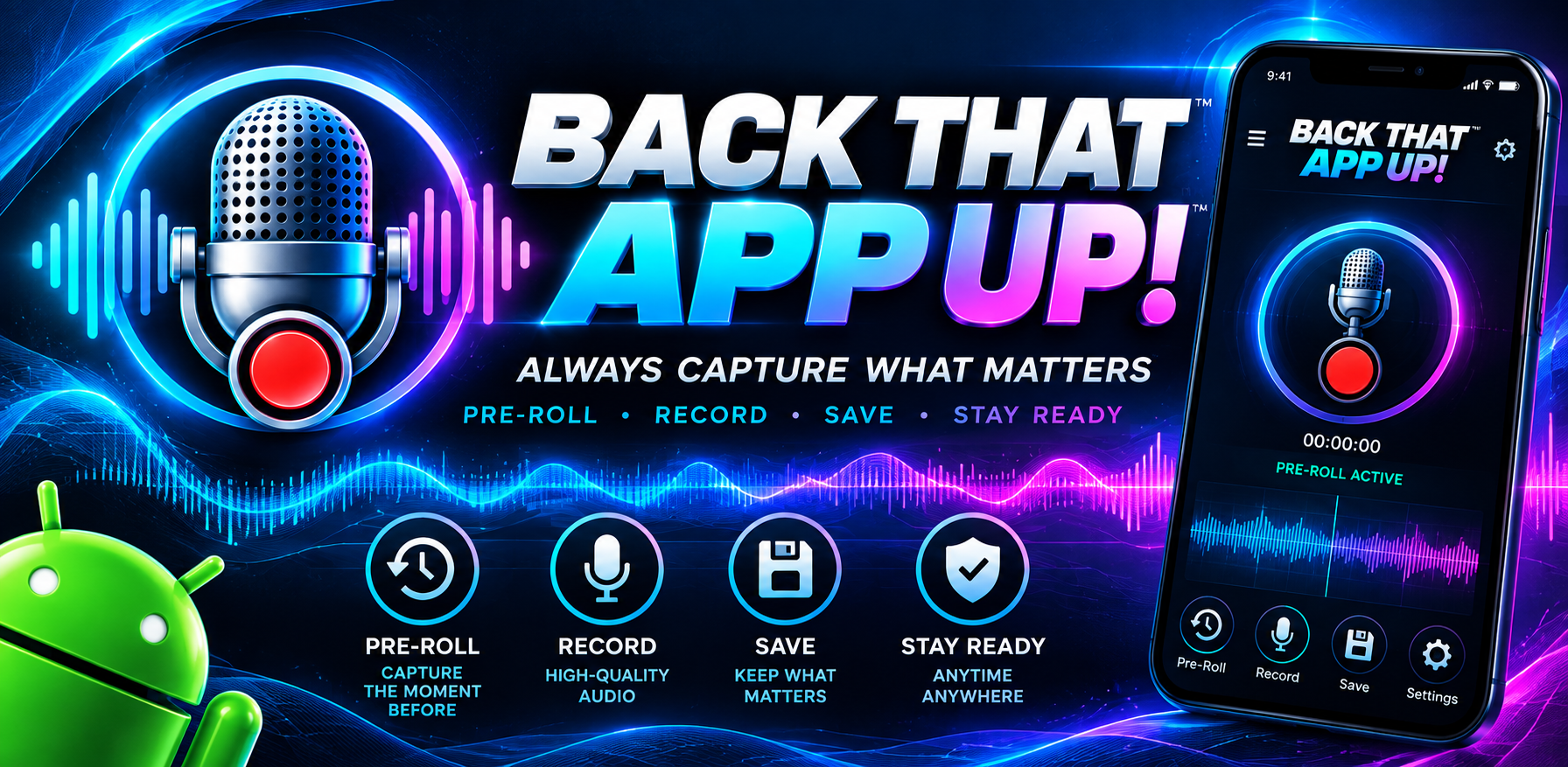
Back That App Up promotional artwork with glowing microphone, cyan and magenta waveforms, and pre-roll recording branding

Brand artwork. Explore the actual app screens above.

01 / A SECOND CHANCE AT THE SOUND

You don’t always know
when to press Record.

Start listening before life happens. When something matters, preserve the available audio that led up to it.

01

Start listening.

Give microphone permission and enable the rolling audio buffer.

02

Catch the moment.

Save manually or use sound-triggered capture. Keep the context you would otherwise miss.

03

Make it yours.

Play it back. Give it a name. Download it. Keep the moments that matter.

Pre-roll requires an active listening session. Audio from before listening started cannot be recovered.

02 / LIFE DOESN’T WAIT FOR RECORD

Small moments.
Worth keeping.

♫

FOR THE CREATOR

That melody
came from nowhere.

Keep the spark of a song, a lyric, or an idea while your listening session is active.
“

FOR EVERYDAY LIFE

“Say that again”
isn’t always the same.

Preserve spontaneous stories and shared moments with the people who agree to be recorded.

≋

FOR THE CURIOUS

Hear something
worth a second listen?

Capture an unexpected sound or a spoken field note with its lead-up intact.

03 / YOUR SESSION. YOUR CONTROLS.

Less searching.
More listening.

A rolling buffer holds recent sound temporarily. A saved clip is yours to review and manage.

Explore the app ↗
01

Capture on your terms

Manual saves and adjustable sound-triggered capture.

02

Keep the context

Select a rewind window that fits your session. Available options depend on your version and plan.

03

Manage your moments

Local clip storage, playback, renaming, downloads, and deletion.

04 / TAKE IT INTO YOUR DAY

Your next moment
is already on its way.

Start with Back That App Up! Free for now. Explore the wider Omega UI offering when you’re ready.

ANDROID / GOOGLE PLAY

Get the Android app.

Free for now. Install from Google Play.

Download for Android ↗
  1. Tap the button on your Android phone.
  2. On Google Play, choose Install, then Open.
  3. Allow microphone access when requested and start listening inside the app.

IPHONE + IPAD / WEB APP

Yes, iPhone can use it.

Use the PWA: a web app you can add to your Home Screen. No App Store download required.

Open iPhone / iPad app ↗
  1. Open the app link in Safari. If you are inside Instagram, Facebook, or another app, copy the link into Safari first.
  2. Tap Safari’s Share button (square with an upward arrow).
  3. Choose Add to Home Screen. If shown, keep Open as Web App enabled.
  4. Tap Add. Open Back That App Up! from its Home Screen icon.
  5. Allow microphone access and start listening.

iOS refinements continue. Voice activation is currently reported unavailable on iOS. Keep the app open while capturing; locked-screen recording is not guaranteed.

Apple’s Home Screen guide ↗

WINDOWS / INSTALLABLE WEB APP

Put it on your desktop.

Use Microsoft Edge to install the web app. No .exe download is needed.

Open Windows web app ↗
  1. Open the app link in Microsoft Edge.
  2. Click the address-bar install icon if shown, or open … → More tools → Apps → Install this site as an app. Some versions list Apps directly under the menu.
  3. Confirm Install. Pin it to Start or the taskbar if offered.
  4. Open the installed app, allow microphone access, and start listening.

Prefer Chrome? Use its install icon when available. You can also use the app directly in a supported browser.

Microsoft’s installation guide ↗

MAC / SAFARI WEB APP

Keep it in your Dock.

On macOS Sonoma 14 or later, Safari can add the web app to your Dock.

Open Mac web app ↗
  1. Open the app link in Safari.
  2. Choose File → Add to Dock, or Share → Add to Dock.
  3. Name it Back That App Up! and click Add.
  4. Launch it from the Dock, allow microphone access, and start listening.

No .dmg installer is offered. If Add to Dock is unavailable, use the browser version. Mac recording compatibility has not been independently tested.

Apple’s Mac web app guide ↗

*Platform capabilities vary. Uninterrupted background or locked-screen recording is not promised. A PWA on iPhone is not an App Store release.

Saved clips use local storage. Voice recognition and transcription features, where available, may process audio online. Review the privacy policy. Record with appropriate permission.

GO BEYOND ONE APP / OMEGA UI MEMBERSHIP

Start with a moment.
Get more from Omega.

Like what Back That App Up! can do? Co-Founder Access brings this app and Omega UI’s other tools together in one monthly subscription.

  • Access to Back That App Up! through the Omega UI membership.
  • Access to other Omega UI applications as they become available.
  • One monthly membership for the Omega UI offering.

Application availability and features vary by release. Ask for the current included-app list before subscribing.

CO-FOUNDER ACCESS

$49.00 / month

Omega UI subscription

Ready to explore the whole offering?

Request Co-Founder Access ↗

Opens an email inquiry. No payment is taken here.

“Co-Founder Access” is the membership name. It does not confer equity, ownership, or a corporate role.

BEFORE YOU START

A few clear answers.

Is Back That App Up! free?

It is free for now. The separate Omega UI Co-Founder Access subscription is $49/month. Downloading the free app from this page does not enroll you in that subscription.

What does Co-Founder Access include?

The offer covers Back That App Up! and other Omega UI tools as they become available. Request the current included-app list and subscription terms before joining. This page does not promise that every tool or feature is already released.

Can it save audio from before I open the app?

No. Pre-roll requires an active listening session. The app can only preserve audio that is already available in its rolling buffer.

Does it work on iPhone and Windows?

Yes—use the iPhone Home Screen web app or Windows PWA. The installation section also includes Safari Add to Dock instructions for Mac. iOS refinements continue and Mac recording has not been independently tested. Voice and background behavior vary by platform.

Does audio stay on my device?

Core saved clips use local storage. Voice recognition and transcription features, where available, may process audio online. Review the app’s privacy policy before using those features.

GIVE SOMEONE A SECOND CHANCE AT A SOUND

Share the app.
Catch more moments.

Download the social graphic ↓

THE NEXT MOMENT WON’T ANNOUNCE ITSELF.

Be ready to catch it.